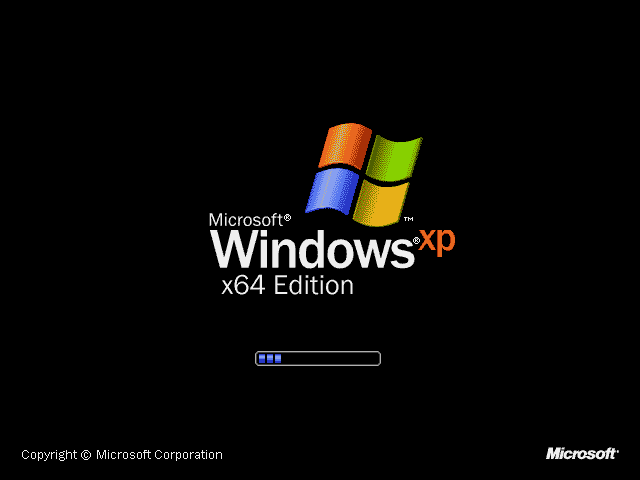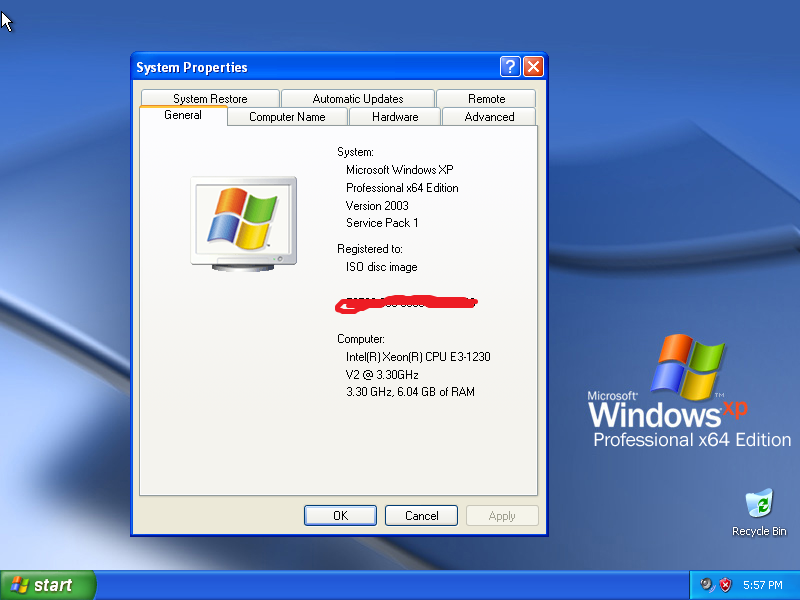
Windows XP Professional x64 Overview
Windows XP Professional x64 Edition was Microsoft’s first 64-bit version of Windows for desktop PCs. It was released on April 25, 2005, for computers with 64-bit processors such as AMD64 and Intel 64. It looks and feels like the regular Windows XP Professional you know, but underneath it’s built on the more modern Windows Server 2003 code.
Its biggest advantage is memory. The 32-bit XP can only use about 3.5 GB of RAM, while the x64 Edition supports up to 128 GB. Thanks to a technology called WoW64, it also runs most 32-bit Windows programs. That made it a strong choice for workstations, video editing, 3D design and other heavy workloads in its time, and today it’s an interesting piece of Windows history for collectors and tech fans.
Key Features of Windows XP Professional x64 Edition
1. Up to 128 GB of RAM
The x64 Edition breaks the 4 GB memory limit of 32-bit Windows. It supports up to 128 GB of physical memory and 16 TB of virtual memory.
2. Runs 32-bit and 64-bit programs
Native 64-bit apps get full access to the extra memory, and WoW64 lets most regular 32-bit programs run normally.
3. Built on Windows Server 2003
It uses the Windows Server 2003 SP1 code, which brings a newer kernel, better networking and improved stability. That’s why its version number is 5.2 instead of 5.1.
4. The familiar XP Professional experience
You still get the Luna interface, Start menu and taskbar, plus Professional features like domain join, Remote Desktop, EFS encryption and Group Policy.
5. Multi-processor power
It supports two physical CPUs and up to 64 logical processors, which is great for multitasking and heavy workloads.
6. Stronger security
It includes hardware-backed Data Execution Prevention (DEP) and kernel patch protection that weren’t available in the same form on 32-bit XP.
Limitations You Should Know
- Only 64-bit drivers work. Some older printers, scanners and sound cards may not have drivers.
- No 16-bit or MS-DOS programs, because that subsystem was removed.
- 32-bit Explorer shell extensions don’t work in the 64-bit Explorer.
- 32-bit codecs work only with 32-bit media players.
- Hibernation isn’t available with more than 4 GB of RAM.
- UEFI isn’t supported. It needs a traditional BIOS with ACPI.
Windows XP Professional x86 vs x64
| Feature | x86 (32-bit) | x64 (64-bit) |
|---|---|---|
| Max RAM | 4 GB (about 3.5 GB usable) | 128 GB |
| Runs 64-bit programs | ❌ | ✔ |
| Runs 16-bit / DOS programs | ✔ | ❌ |
| Driver support | Excellent | Limited (64-bit only) |
| Codebase | Windows XP (NT 5.1) | Windows Server 2003 (NT 5.2) |
| Latest Service Pack | SP3 | SP2 |
Is Windows XP Professional x64 Still Worth Using?
For your main computer, no. Security support ended in 2014, and Windows Update stopped working for it in 2020.
It’s still interesting for:
- Collectors and Windows history fans
- Virtual machines and testing labs
- Old 64-bit software that was built for XP x64
- Learning how early 64-bit Windows worked
Keep it offline or run it inside a virtual machine.
Frequently Asked Questions
Is Windows XP x64 the same as regular XP Professional?
Not exactly. It looks the same, but it’s built on Windows Server 2003 code (version 5.2), while 32-bit XP is version 5.1.
What is the latest service pack for XP x64?
Service Pack 2, released on March 13, 2007. There was never an SP3 for x64.
Can Windows XP x64 run 32-bit programs?
Yes. Most 32-bit programs run through WoW64. 16-bit and DOS programs won’t run.
How much RAM does Windows XP x64 support?
Up to 128 GB of physical memory.
Does Windows XP x64 still get updates?
No. Extended support ended on April 8, 2014, and Windows Update services ended in July 2020.